Set a budget
Set a spending limit that leaves room for tax, any adapters you’ll need, and software that isn’t included.

The free laptop finder quiz
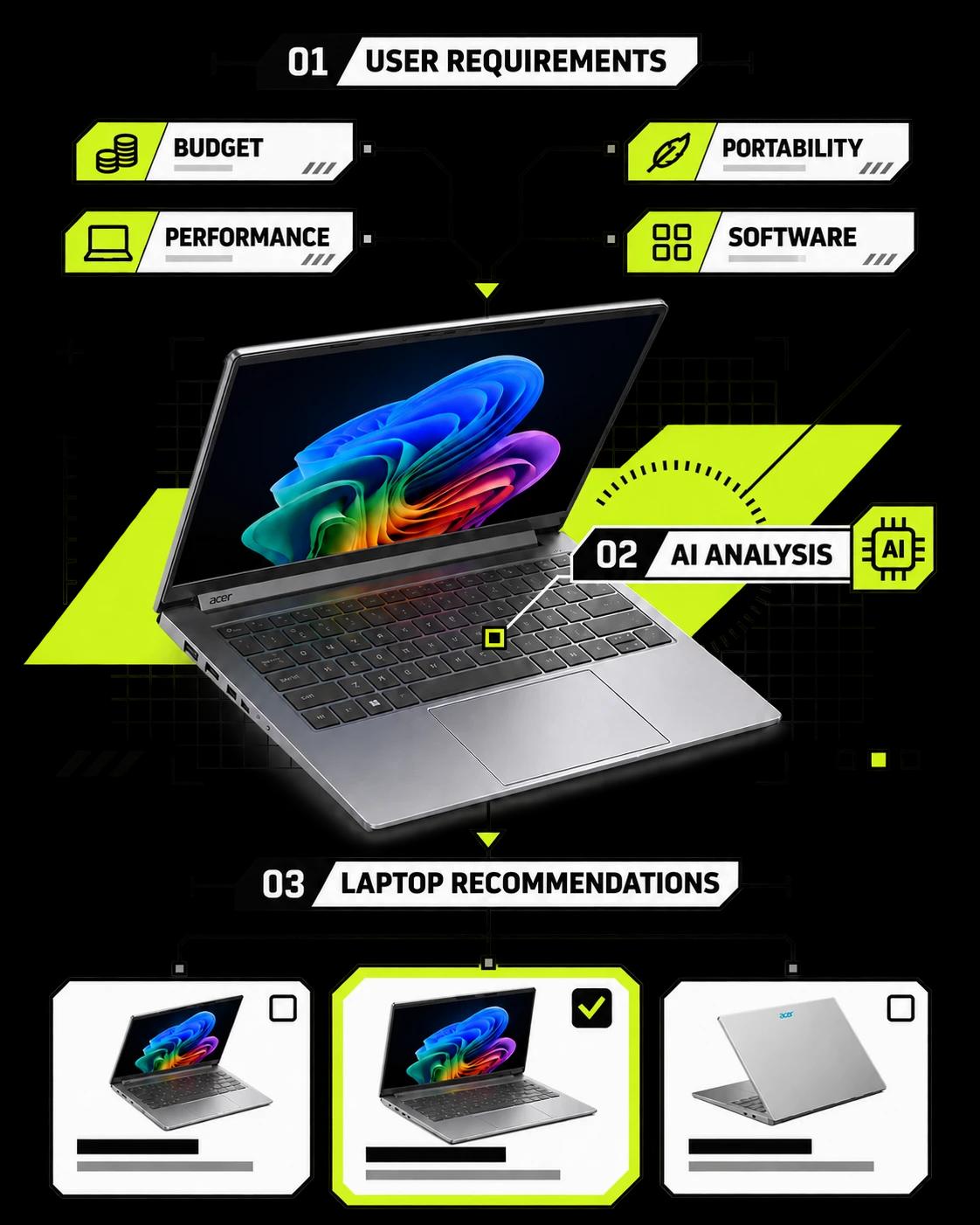
Tell us your budget, what you’ll use your laptop for, and which apps you need. Our free laptop quiz uses your answers to build a personalized shortlist.
Free • No sign-up • Personalized
Built around your budget
Matches for your apps and needs
A top pick and alternatives
01 / The process
Answer a few questions to get a shortlist for school, work, gaming, or everyday use.
Share your budget, the apps you run, and what matters most, from battery life to gaming performance.
PCFinder asks follow-up questions based on your answers and uses AI to compare available laptop listings against your needs.
See a top pick and alternatives. Compare configurations and trade-offs, then check the current price and availability before you buy.
Ready to compare your options?
Find My Laptop02 / The buying basics
The best laptop for you depends on what you run and how often you carry it. Use these four checks to decide where it’s worth spending more.
Set a spending limit that leaves room for tax, any adapters you’ll need, and software that isn’t included.
Browsing and schoolwork usually need modest hardware. For gaming or video editing, check the recommended specs for the games and apps you’ll actually use.
If you carry your laptop daily, compare screen size, weight with the charger, and battery tests for tasks like yours.
Confirm your apps support the operating system and processor. Then compare graphics, memory, and SSD capacity on the exact model you’ll buy.
03 / Buying guides
Compare affordable picks for students and see when the MacBook Pro is worth the upgrade.
THE STUDENT LAPTOP GUIDE
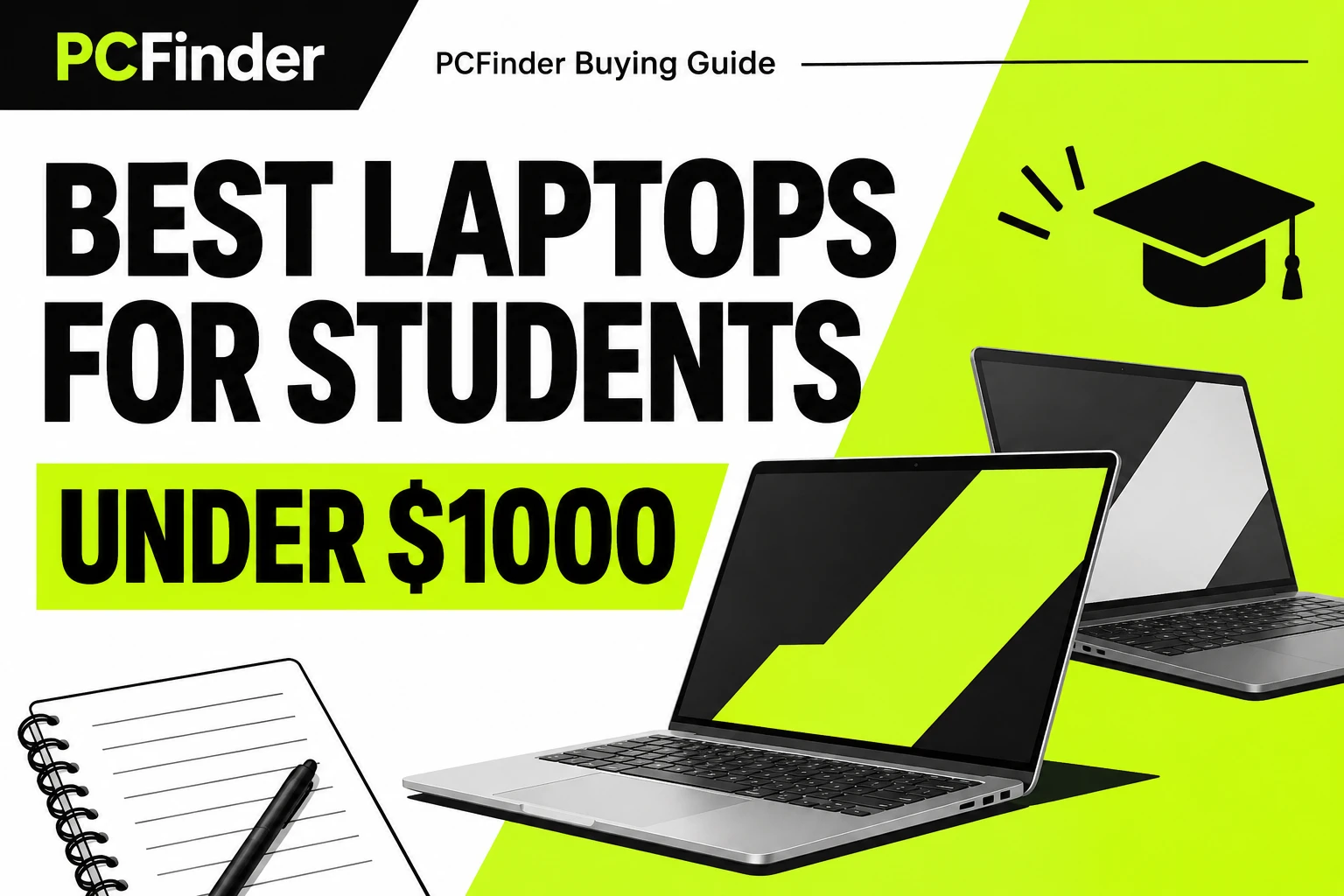
Compare three student laptops and check which ones fit your classes, software, and budget.
Read GuideTHE MACBOOK BUYING GUIDE
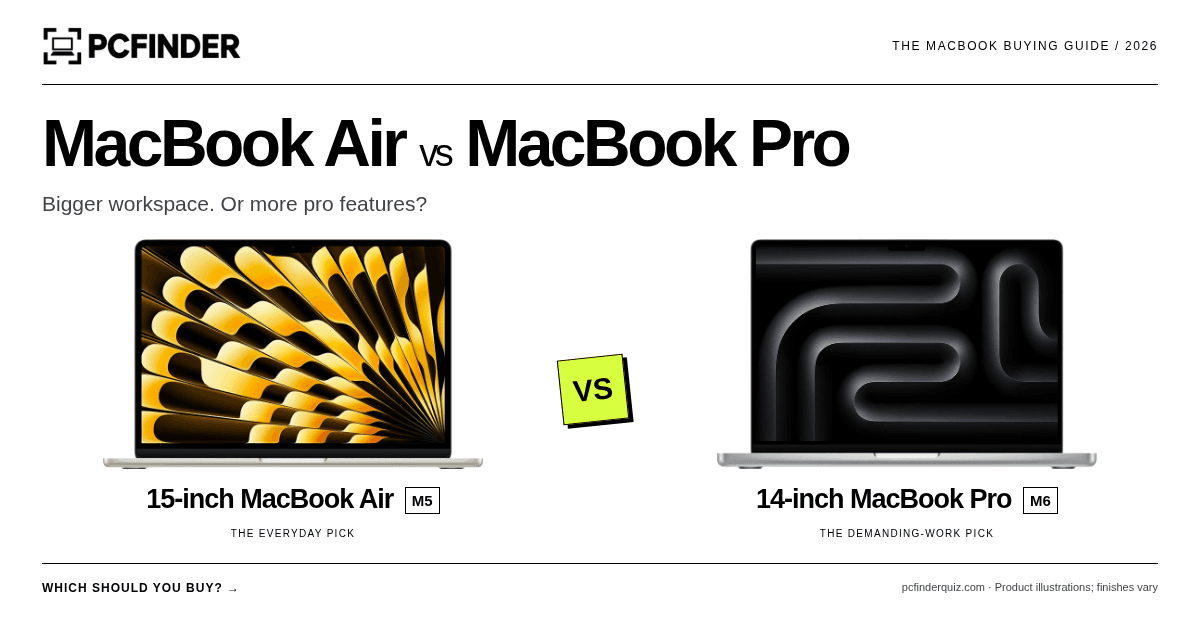
Compare the Air and Pro on performance, display, ports, and battery life.
Read GuideWe use your priorities and available product details to explain why each laptop made the list, including trade-offs and missing specifications to check.
See How Recommendations Work04 / Questions & answers
Check your school’s software requirements first. If you’ll carry your laptop between classes, prioritize weight and battery life. Courses that rely on CAD, video editing, or other demanding software may call for more memory or a dedicated GPU.
Start with the games you want to play and their recommended requirements. Compare the GPU, CPU, and memory, then check reviews of the exact model. Cooling and GPU power limits can change performance even when two laptops list the same graphics chip.
The laptop finder uses your quiz answers to evaluate available listings and rank suitable options. It considers your budget, software, and priorities. Check the seller’s listing for the exact configuration and current price before buying.
Yes. You can take the laptop quiz and see your recommendations without creating an account.
Take the free laptop quiz and see which models make sense for your budget and the way you’ll use them.
Free • No sign-up • Personalized