
THE STUDENT LAPTOP GUIDE
Best laptops for students under $1000
Compare three student laptops under $1,000, with exact configurations, software checks, and practical advice on memory, storage, and your total budget.
The quick answer
For most students choosing among these laptops, start with the Acer Aspire 14 AI with 16GB of memory and a 512GB SSD. Choose the MacBook Neo for lighter coursework that supports macOS, or the Aspire Go 15 if a larger screen and a lower initial cost matter more than multitasking headroom.
Check your course’s software list first. A laptop can fit your budget and still be the wrong purchase for a required application.
Research checked November 11, 2026, for the U.S. market. Budget qualification uses the non-Amazon pricing sources explained in our method, before tax and accessories. Amazon offers are separate and may differ. Confirm the exact configuration and your final total before buying.
Three student laptops worth comparing
These are different ways to spend less than $1,000. The Aspire 14 is the strongest starting point for varied coursework in this shortlist; the other two make specific compromises to suit a different budget or preference.
On a small screen, swipe or use the arrow keys to scroll the table.
| Laptop | Best fit | Memory / SSD | Main compromise |
|---|---|---|---|
| Acer Aspire 14 AI | Mixed Windows coursework | 16GB / 512GB | Shared graphics for 3D workloads |
| MacBook Neo | Writing and research on macOS | 8GB / 256GB | Less memory and local storage |
| Acer Aspire Go 15 | A larger screen for lighter work | 8GB / 512GB | Less multitasking headroom |
Which laptop should you buy?
Our first choice for mixed coursework
Acer Aspire 14 AI
A14-52M-51S1 · NX.J8LAA.002
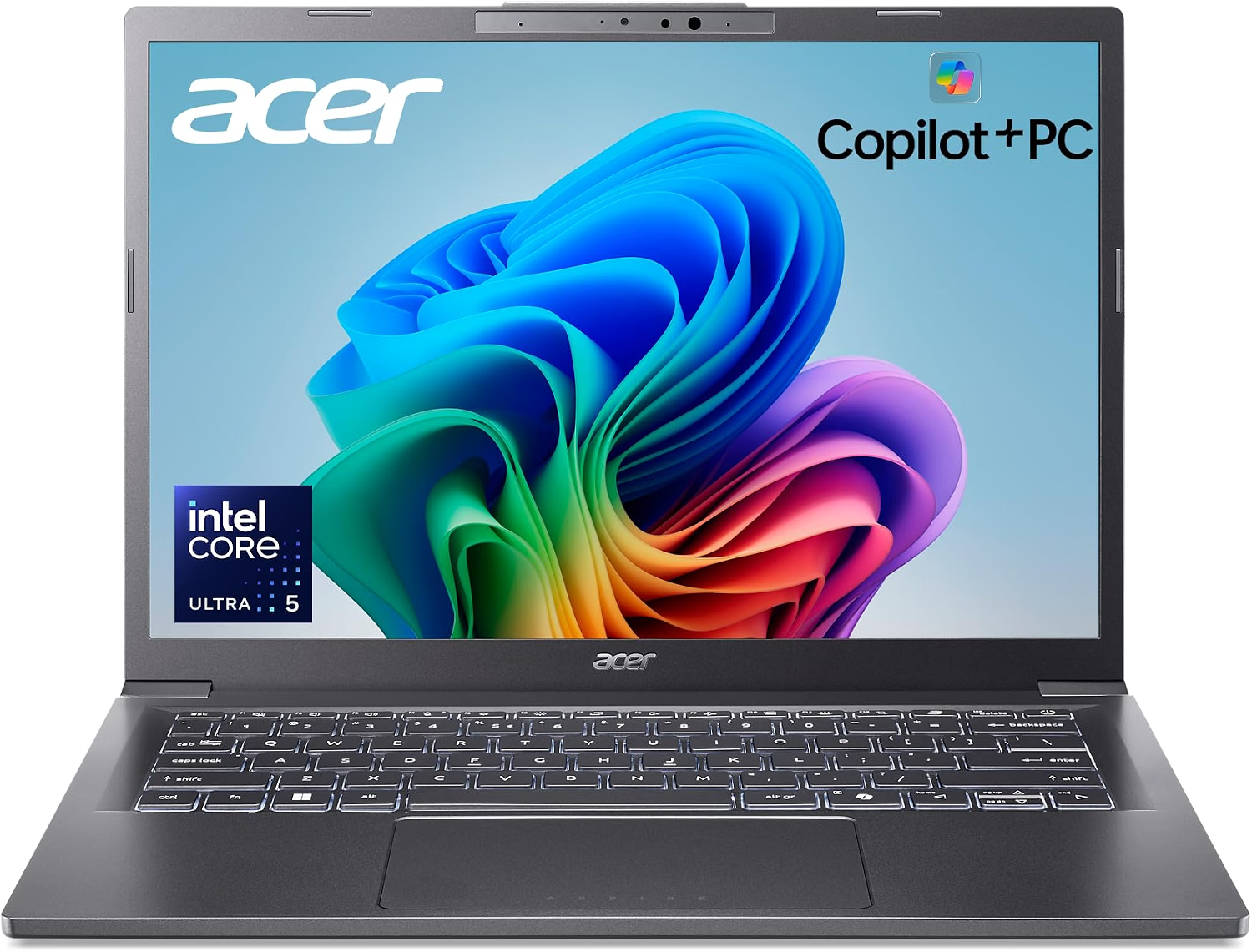
- Processor
- Intel Core Ultra 5 226V
- Memory / storage
- 16GB / 512GB SSD
- Display
- 14-inch, 1920 × 1200 IPS
- System / graphics
- Windows 11 Home / Intel Arc 130V
Start here if you want Windows for essays, spreadsheets, introductory coding, and the usual mix of class apps. Its 16GB of memory gives you more room for simultaneous work than the 8GB picks below. The taller 16:10 screen is useful for reading documents beside your notes.
The trade-off: The graphics share system memory. This is a general study laptop, so check your department’s requirements before buying it for demanding 3D work. Choose this exact SKU; other Aspire 14 configurations differ.
Configuration source: Acer’s A14-52M-51S1 specifications.
Check price on Amazon for Acer Aspire 14 AI (A14-52M-51S1 · NX.J8LAA.002)Our Mac pick for lighter coursework
Apple MacBook Neo
2026 · A18 Pro · 8GB / 256GB · Silver
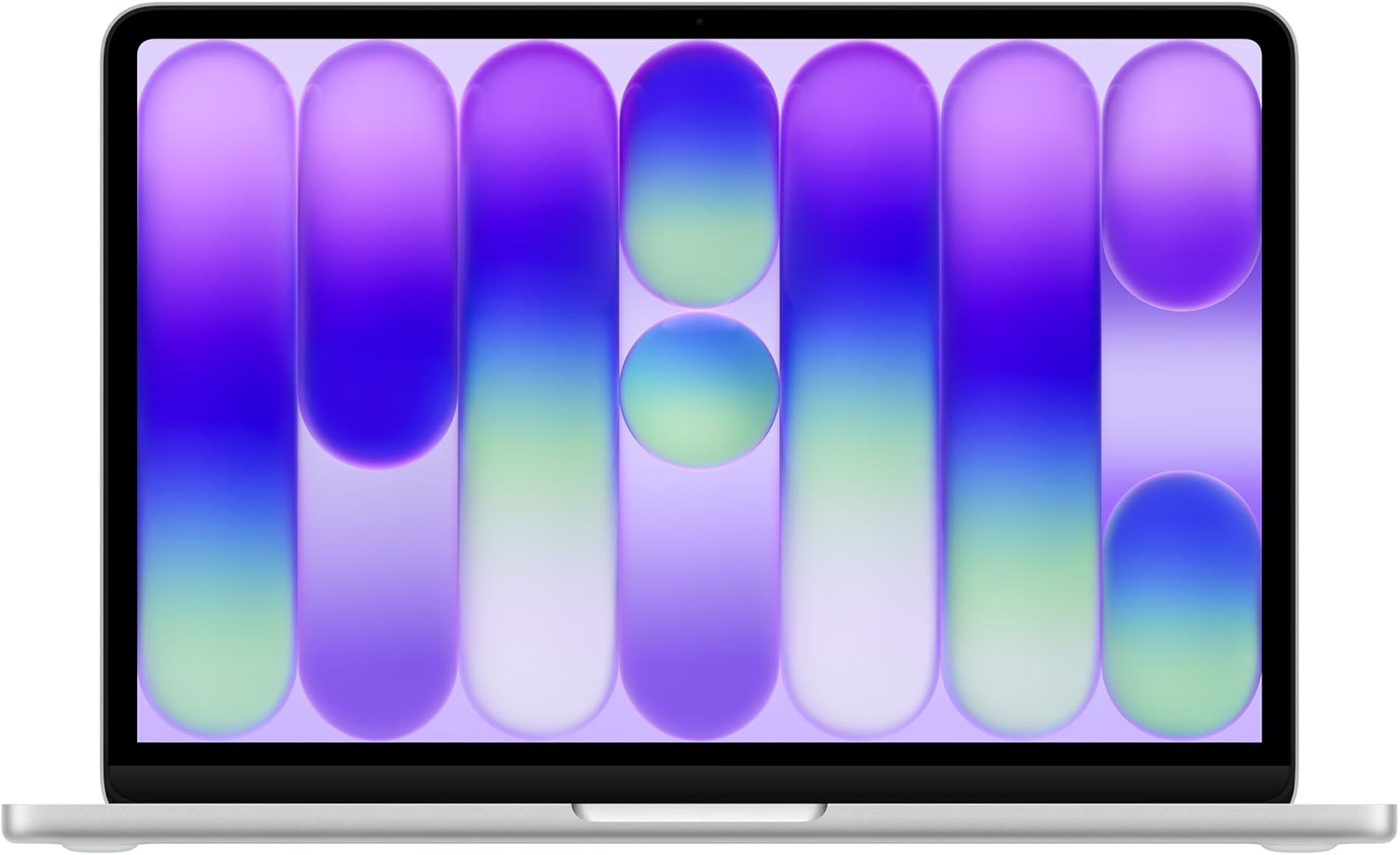
- Processor
- Apple A18 Pro
- Memory / storage
- 8GB unified memory / 256GB SSD
- Display
- 13-inch, 2408 × 1506
- System
- macOS
Choose the Neo if your course supports macOS and your work centers on reading, writing, presentations, and browser apps. It is a way into a new Mac without spending the full budget. It also makes sense if you already use an iPhone and want to keep your files and everyday apps together.
The trade-off: 8GB leaves less headroom for heavy multitasking, and 256GB fills quickly with large projects. The base model has no Touch ID. For virtual machines, big creative projects, or a Windows-only course, choose a better-matched configuration or platform.
Configuration source: Apple’s MacBook Neo technical specifications.
Check price on Amazon for Apple MacBook Neo (2026 · A18 Pro · 8GB / 256GB · Silver)A lower-cost option for a larger screen
Acer Aspire Go 15
AG15-21PT-R79L · NX.JJJAA.007

- Processor
- AMD Ryzen 5 7520U
- Memory / storage
- 8GB / 512GB SSD
- Display
- 15.6-inch, 1920 × 1080 IPS touchscreen
- System
- Windows 11 Home
Consider this model if you mostly study at a desk, prefer a larger display, and want to leave more money for books and accessories. You get Windows and a 512GB SSD for local documents. The touchscreen is an extra convenience for navigating pages.
The trade-off: The 8GB configuration suits lighter workloads. Prefer the Aspire 14’s 16GB if you regularly keep several apps open. The larger body also takes more bag and desk space; a touchscreen does not establish support for an active note-taking pen.
Configuration source: Acer’s AG15-21PT-R79L specifications.
Check this model at AcerMatch the laptop to your actual coursework
Essays, research, presentations, and online classes
All three configurations are reasonable starting points for this work. Decide which operating system your school supports, then weigh screen size against how often you carry the laptop. If you tend to keep a video call, presentation, PDF, and lots of tabs open together, favor the 16GB Aspire 14.
Programming, business, and data classes
For introductory programming, 16GB of memory is our practical target. Ask which development tools, spreadsheet features, and local databases your course uses. A browser coding exercise is a different workload from running virtual machines. Plan for 32GB or access to a campus computer if your program requires several virtual machines or large local datasets.
Engineering, architecture, video, and 3D
Get your department’s written requirements before choosing. For example, SOLIDWORKS lists supported Windows versions, memory, and certified graphics requirements. A familiar processor name alone does not establish suitability. None of these picks is presented as a dedicated graphics workstation. A campus lab or remote workstation may be a better way to keep your own laptop light and affordable.
When a Chromebook could be enough
A Chromebook can fit a course taught through browser apps, provided your school approves it. Check offline assignments, exam software, and any desktop apps before switching. Microsoft’s Chromebook guidance explains access through the web; it is a different setup from installing the Windows or Mac desktop suite.
Likewise, treat a Snapdragon Windows laptop as a separate compatibility decision. Microsoft’s Windows on Arm FAQ describes app and driver limitations. Verify your particular software, peripherals, and exam tools.
The student laptop specs worth paying for
- Memory: aim for 16GB for varied coursework. Memory is the working space for open apps. An 8GB laptop can suit lighter work, but buy it with that limit in mind. Do not assume you can add memory later.
- Storage: 512GB is a useful target. An SSD stores your apps and files. The Neo’s 256GB can work with disciplined file management, external storage, or a school cloud account. Include any ongoing storage cost in your budget.
- Display: prioritize readable text. Full HD or better is a sensible starting point. A 13- or 14-inch laptop uses less desk and bag space; a 15.6-inch screen may feel more comfortable for desk study. Try the size in person when possible.
- Keyboard and connections: check your daily routine. Test typing comfort during the return period. List the ports needed for a classroom projector, external monitor, or USB accessory, and price any adapter.
- Battery: compare like-for-like tests. Manufacturer “up to” figures are not a promise for video calls or coding. We have not measured battery life on these units and do not rank them by claimed runtime.
Keep the whole purchase under budget
“Under $1,000” here refers to the laptop before sales tax. If $1,000 is your complete spending limit, leave room for tax, a protective sleeve, and any required adapter or software.
For example, reserving $50 for accessories and allowing an illustrative 8% sales tax leaves about $880 for the laptop: ($1,000 − $50) ÷ 1.08. Your local tax and actual accessory costs will differ. Check whether your school already provides the software you need before buying a subscription.
- Match the full model number, memory, and SSD to the configuration in this guide.
- Confirm condition, seller, warranty coverage, and return terms. A renewed or used offer is a different purchase.
- Check student pricing directly with the manufacturer and compare the final total.
- If a listing exceeds your limit, compare another qualifying offer or use the quiz with your actual budget.
How we selected these laptops
This is a research-based shortlist, not a hands-on test or an exhaustive ranking of every laptop. We prioritized software fit, an SSD, a readable display, and useful configurations below the budget. We prefer 16GB for mixed coursework; the 8GB choices are deliberately limited to lighter use.
On November 11, 2026, Acer’s U.S. store showed the exact Aspire 14 configuration and Aspire Go 15 configuration below $1,000. The Neo’s budget qualification uses the current base-model pricing reported in MacRumors’ MacBook Neo guide, cross-checked against Apple’s configuration specifications. We did not use Apple’s older launch price as a current offer.
Amazon listings were matched to the stated Aspire 14 and silver 256GB Neo variants. Their current new-offer prices were not exposed in the research responses, so we make no claim about their present Amazon price or stock. Use the purchase links to compare the current offer; the manufacturer sources are also linked. We omitted unverified marketplace configurations. Product photos were supplied by the site owner for this guide.
Common questions
Is $1,000 enough for a student laptop?
Yes, for writing, research, presentations, and many introductory coding classes. Specialized software may require a different configuration. Spend according to your course requirements rather than using the entire budget automatically.
Should I buy a Mac or a Windows laptop?
Use your school’s supported software list to decide. Among these picks, the Aspire 14 offers Windows with 16GB of memory; the Neo offers macOS with 8GB. Those are different configurations as well as different operating systems.
Is 8GB of memory enough?
It can be for lighter coursework with a manageable number of open apps. For a new primary laptop expected to handle several kinds of study, we would prioritize 16GB when the budget allows.
Should students buy a gaming laptop?
Consider one when a required application or the games you actually play need a dedicated graphics processor. Otherwise, consider the carrying weight, charger, fan noise, and battery performance before paying for extra graphics hardware.