
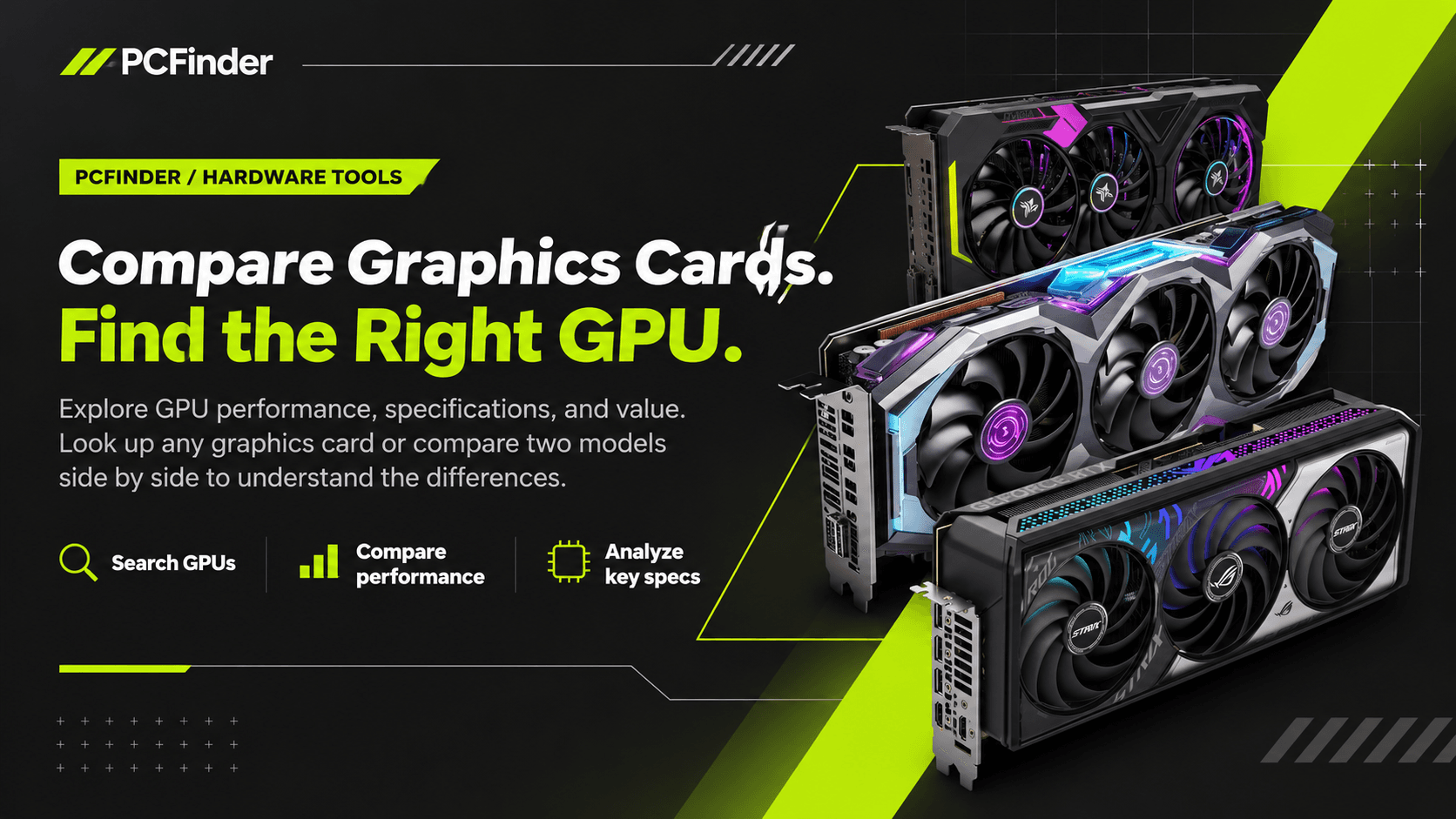
PCFINDER / HARDWARE TOOLS
Compare Graphics Cards.
Find the Right GPU.
Explore GPU performance, specifications, and value. Look up a graphics card or compare two models side by side to understand the differences.
Find a graphics card.
Loading GPU search…
Understanding the metrics.
You don’t need to be a hardware expert to make a useful comparison.
- Benchmark score
- FPSHQ’s relative GPU performance rating combines gaming and synthetic results. A higher score indicates stronger relative performance; it is not a game’s frame rate. Scores above 10,000 are supported.
- Value score
- FPSHQ’s price-to-performance rating weighs its benchmark score against its pricing data. We display that score as supplied, without recalculating it from launch MSRP. The price shown is FPSHQ’s reported launch MSRP in USD, not what you will pay at a store today.
- Performance tier
- The letter tier is FPSHQ’s performance classification. We display it as supplied, without assigning our own thresholds or choosing an overall winner.
- VRAM capacity
- Video memory holds textures and other graphics data. More capacity can help demanding games and higher resolutions, but it does not by itself make a GPU faster.
- Rated power (TDP)
- The reported thermal design power is a rating in watts, not a measurement of power consumed while gaming. Actual draw varies with workload and card design. It is not a complete PC’s power requirement.
Scores and tiers are provider-defined comparative ratings. Read FPSHQ’s scoring methodology → for its definitions and limitations.
A few things worth knowing.
How do I compare two graphics cards?
Search for a model or browse the catalog, then select it as GPU A. Choose Compare with another GPU to add GPU B. The comparison appears automatically. Use the selection controls to replace a card, swap the two cards, or remove GPU B.
What does a GPU benchmark score mean?
It is FPSHQ’s comparative performance rating, not a frames-per-second result. Higher scores indicate stronger relative performance within its methodology. A particular game’s results also depend on resolution, settings, the CPU, and other hardware.
Is a higher value score always better?
It means stronger price-to-performance according to FPSHQ’s pricing data. It may not identify the best purchase for your needs or current local prices. Launch MSRP is historical, and we do not use it to recalculate the provider’s value score. Consider the performance you need and check actual retail pricing before buying.
Does more VRAM mean better gaming performance?
More VRAM can avoid memory limits in demanding games, but GPU processing performance still matters. A slower card with more VRAM does not automatically outperform a faster card with less memory.
What does GPU TDP mean?
TDP is the provider’s reported thermal design power in watts. Treat it as a rated specification. It is neither measured gaming power consumption nor a recommended power-supply wattage for your whole computer.
Why do some specifications show N/A?
FPSHQ does not supply every field for every graphics card. We show N/A instead of guessing a price, memory capacity, or rating. Board-partner variants remain separate records, and we never fill gaps with another model’s specifications.
THE NEXT PIECE OF THE PUZZLE
Know your GPU.
Now find your gaming PC.
A graphics card is just one part of the picture. Let PCFinder’s AI-powered quiz help you find a complete prebuilt gaming PC that fits your budget, games, and preferences.