Set a total budget
Allow for a monitor, peripherals, and any extras you need. Compare the full price of a prebuilt gaming desktop with the parts and software for a budget PC build.

The free gaming PC finder
Tell us your budget, what you play, and how you want it to run. Get a shortlist of prebuilt PCs with our free quiz.
Free • No sign-up • Personalized
Built around your budget
Matches for the games you play
A top pick and alternatives
01 / The process
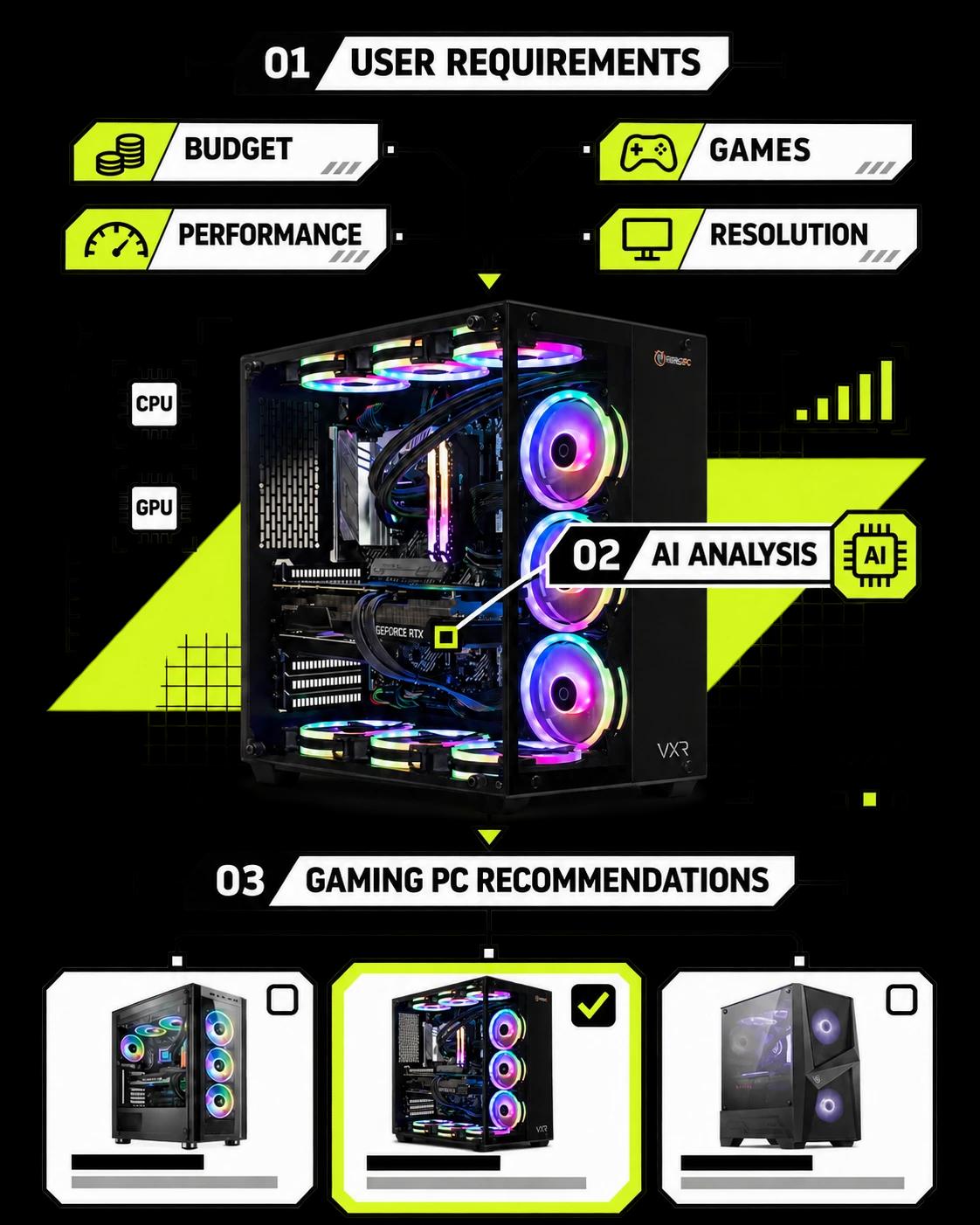
Start with the games and settings that matter to you. You can choose the hardware after you see your options.
Share your budget, the games you play, and how you want them to look and run. Include preferences like streaming or room to upgrade.
PCFinder asks follow-up questions based on your answers, then uses AI to compare available desktop listings against your budget and performance needs.
See a top pick and alternatives. Compare their specs and trade-offs, then check the seller’s current price and exact configuration before buying.
02 / The buying basics
The best gaming PC for you depends on what you play and the resolution you want. Use these four checks to decide where to spend.
Allow for a monitor, peripherals, and any extras you need. Compare the full price of a prebuilt gaming desktop with the parts and software for a budget PC build.
Start with your monitor and the games you play. Moving from 1080p to 1440p or 4K puts more work on the graphics card, especially at higher settings.
Check the exact GPU model and its video memory. Look for benchmarks of your games at your target resolution and settings to see what frame rates to expect.
The CPU matters for high frame rates and simulation-heavy games. Check each game’s recommended memory and leave room for apps you’ll run alongside it.
03 / Buying guides
Compare prebuilt desktops by budget and learn which specifications make a difference in your games.
Black Friday gaming PC deals
Compare ten Black Friday prebuilt desktops by reported price, graphics hardware and Deal Score.
Read GuideTHE GAMING PC BUYER’S GUIDE
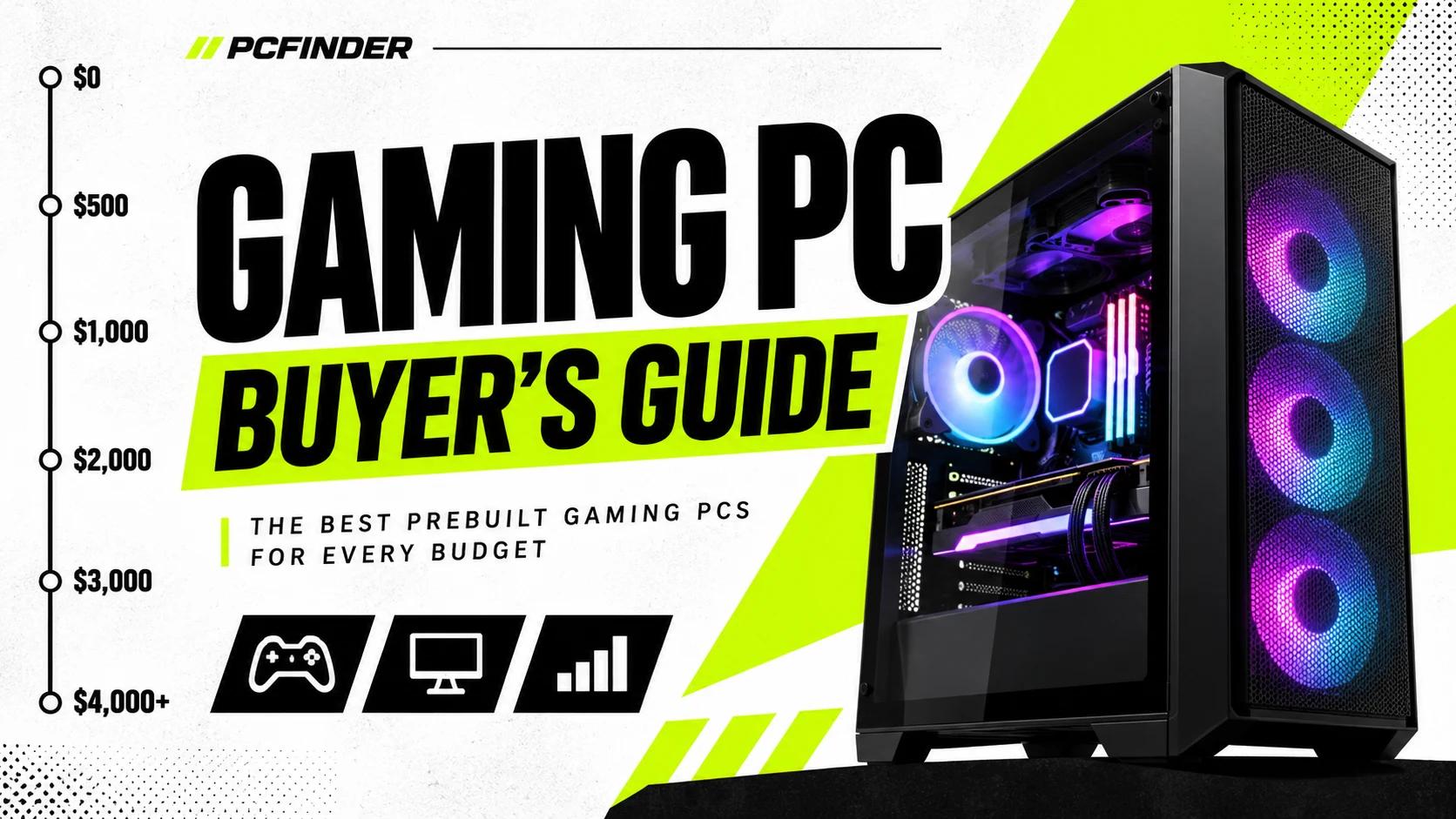
Compare prebuilt gaming PCs across price ranges, including the $1,000 and $1,500 tiers.
Read GuideTHE GAMING PC SPECS GUIDE
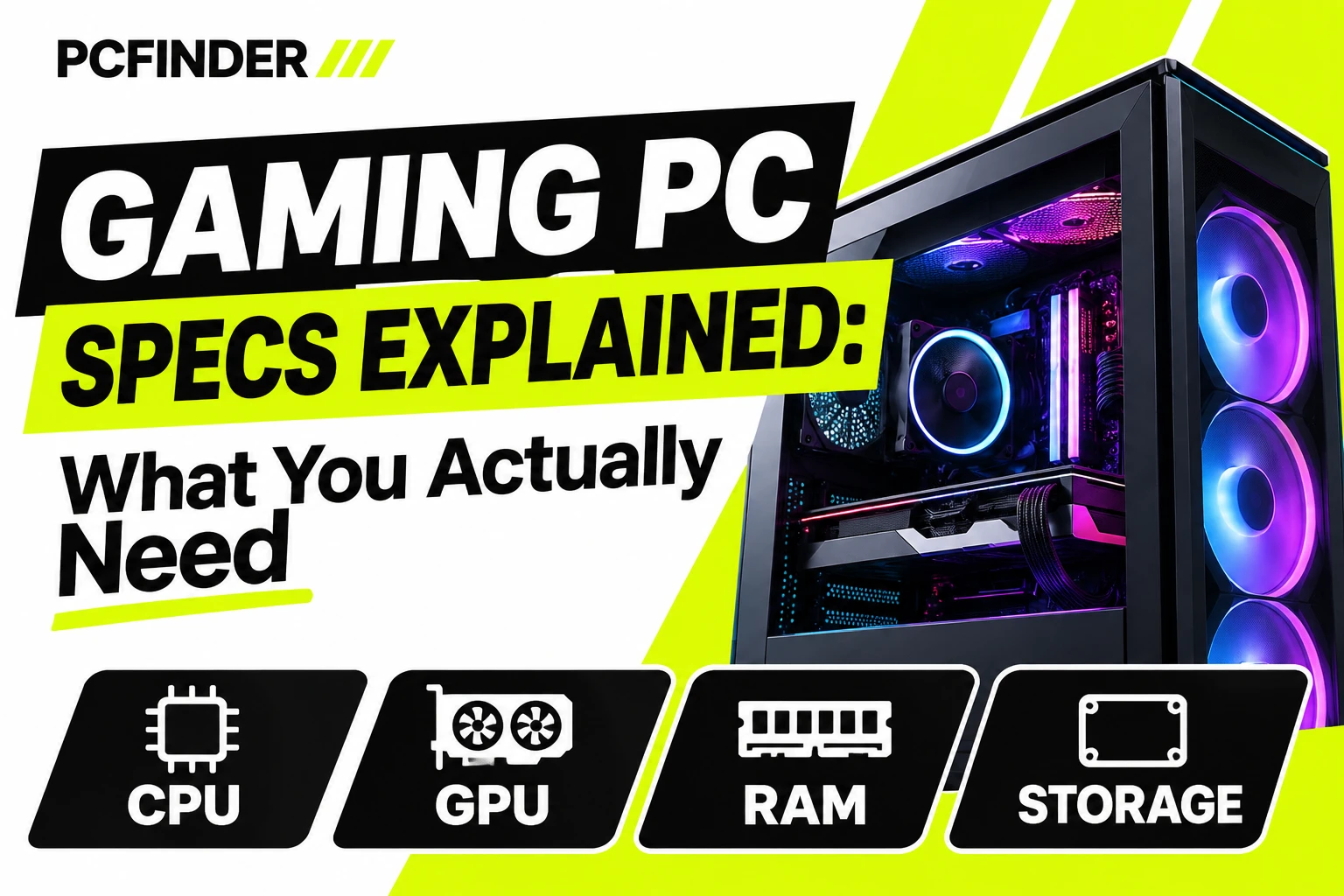
Learn how the GPU, CPU, RAM, and storage affect the games you play.
Read GuideGaming hardware guide
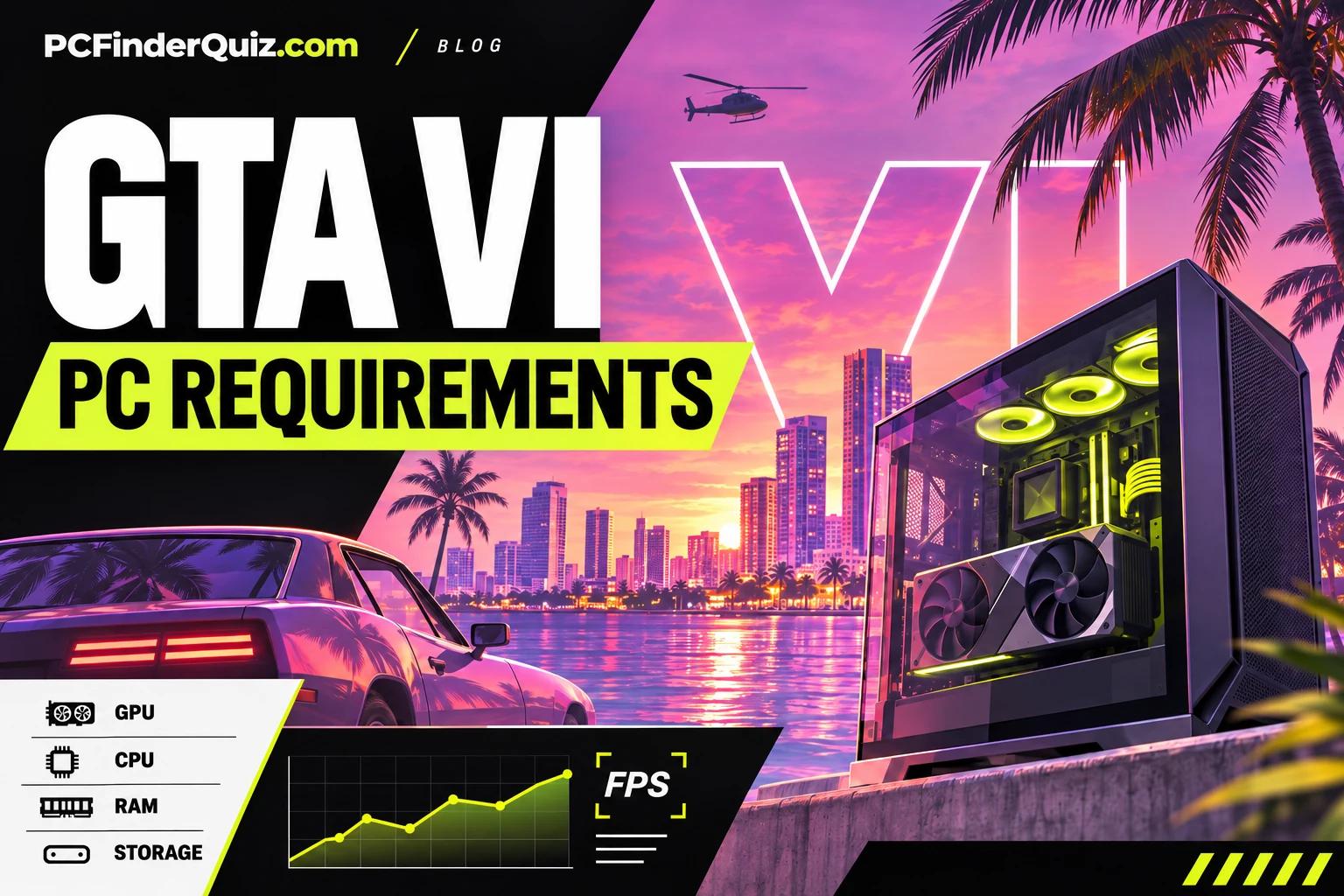
Explore estimated GTA VI PC requirements and the evidence behind the performance projections.
Read Guide04 / Research tools
Use the GPU Comparison Tool to compare relative benchmark scores, video memory, and rated power side by side. For frame rates, check benchmarks for your games at your target settings.
Compare Graphics Cards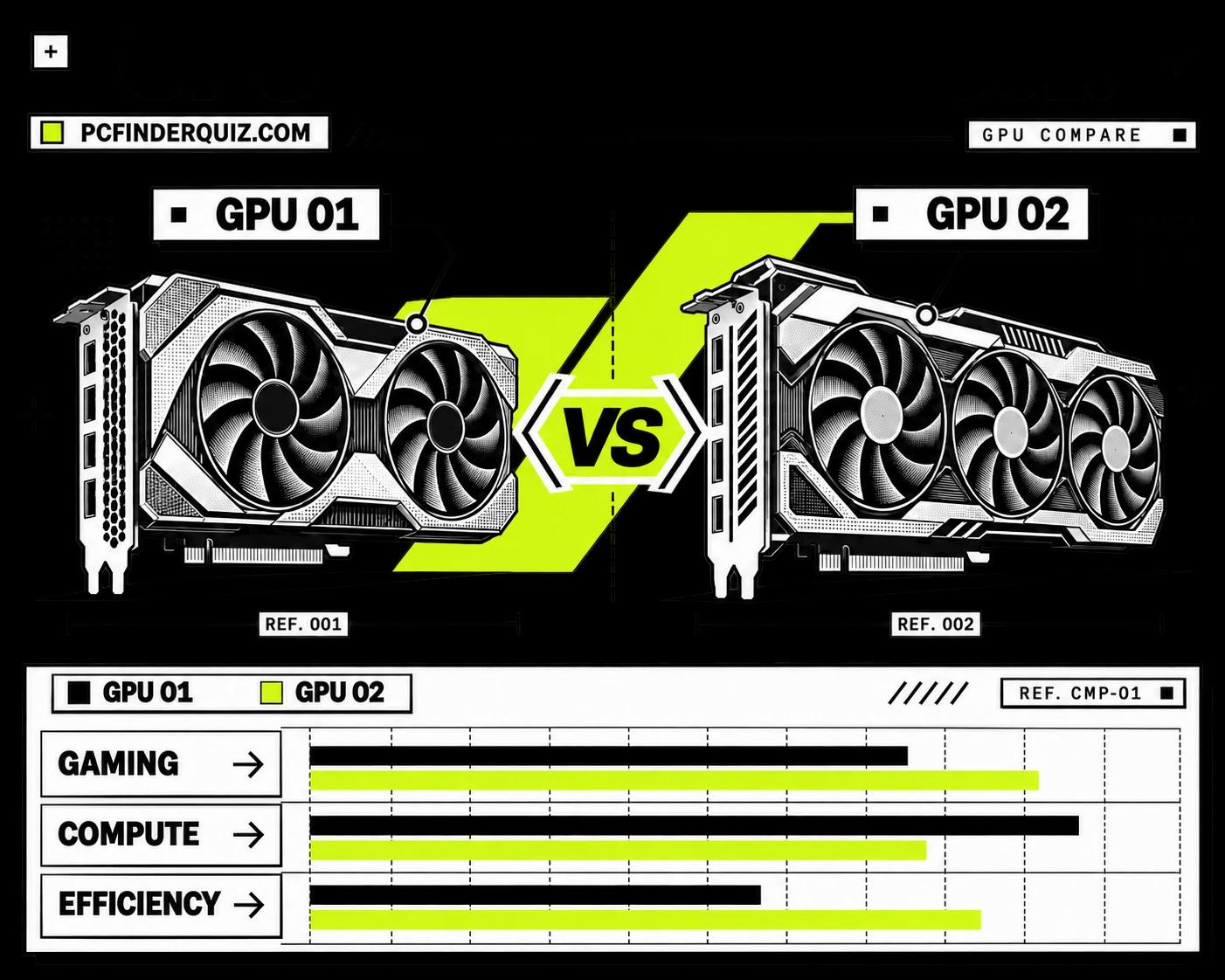
We use your answers and available listing details to explain why a gaming desktop fits and where it falls short. Use that comparison to decide which features are worth paying for.
See How Recommendations Work05 / Questions & answers
A prebuilt under $1,000 can be a good fit for 1080p gaming, depending on the game and settings. Check the exact GPU, CPU, and RAM against benchmarks for the games you play. Leave room in your budget for a monitor if you need one.
If you’re shopping for a 1440p monitor, start with benchmarks at 1440p for your most demanding games. Compare the exact GPU and CPU across listings and check the SSD capacity, power supply, and warranty before paying more.
A prebuilt arrives assembled and usually gives you one point of contact for support. Building your own gives you control over every part and means handling compatibility, assembly, and individual warranties. Compare the full cost at similar performance.
Yes. You can take the quiz and see your desktop recommendations without creating an account.
Take the free quiz to see which prebuilt desktops fit the games you play and how you want them to run.
Free • No sign-up • Personalized